 Send email

 MyEatonFAQs





Keep floor free of trash and debris (including your Crocs) to eliminate tripping hazards.
Hot tip: Carpet absorbs heat—use raised floor tiles to increase ventilation and decrease heat absorption.
Download document () of 20
Download
You have exceeded the download limit
 While fire safety is of great importance, it’s also important to keep the fire extinguisher and ceiling sprinkler system away from sensitive electronics.
 Not only will you sleep better at night knowing where each connection leads, a clean, clearly labeled rack reduces clutter and accidental disconnections.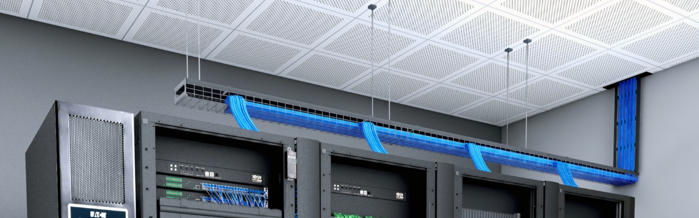
 Start with the heaviest equipment at the bottom—that means your UPS! Work your way up and place less power-intensive equipment (with less heat draw) toward the top.
 Redundant power is reliable power—use an automatic transfer switch (ATS) to power devices from two sources should one source fail—meaning no interruption to connected equipment.
 Make a plan when populating racks, including placing heavier equipment at the bottom and leaving space for future growth. (Not pictured: secure your equipment with locking rack doors!)
 Your equipment deserves an on-site security guard, but a closed, locking door will have to suffice. Key-free biometric locks provide easy, secure access and peace of mind.
 It takes much more than a floor fan to keep power hungry devices cool! In-row cooling provides primary, close-coupled cooling with remote management capabilities, eliminating the need for on-site monitoring.


